
ThingsBoard provides IoT Solution Templates to significantly reduce the time-to-market for your IoT products.
Each solution template represents a ready-to-use PoC or MVP and includes:
- Preconfigured interactive dashboards
- Data processing and business logic
- Sample devices and users
- All required platform entities and relations
Solution templates allow you to quickly evaluate a use case, demonstrate functionality, or use them as a baseline for further customization.

The Solution Templates are available in ThingsBoard Cloud. Solution templates for ThingsBoard PE introduced starting from version 3.3.1PE.
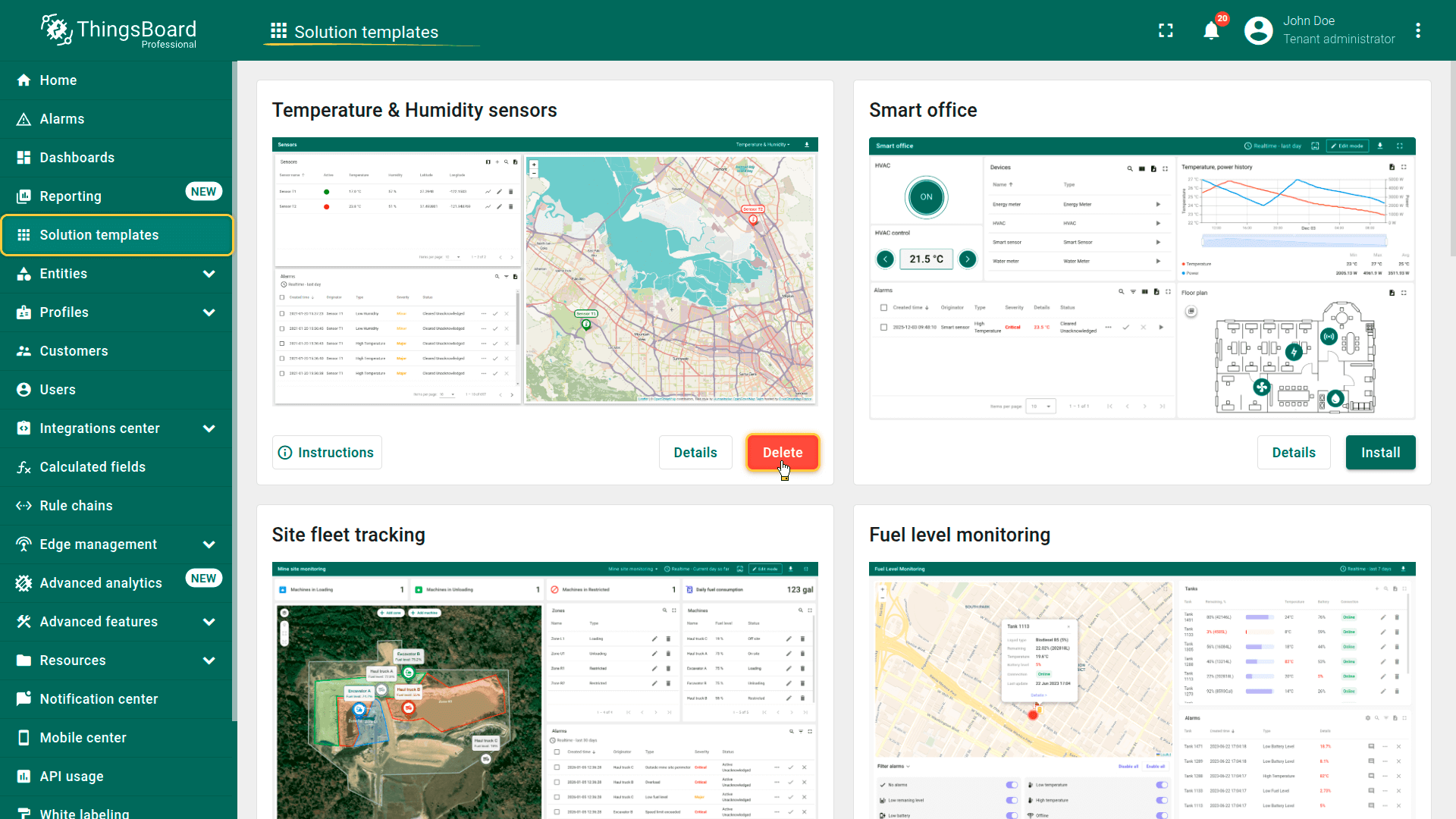
Browse available solution templates by navigating to the “Solution templates” menu item.
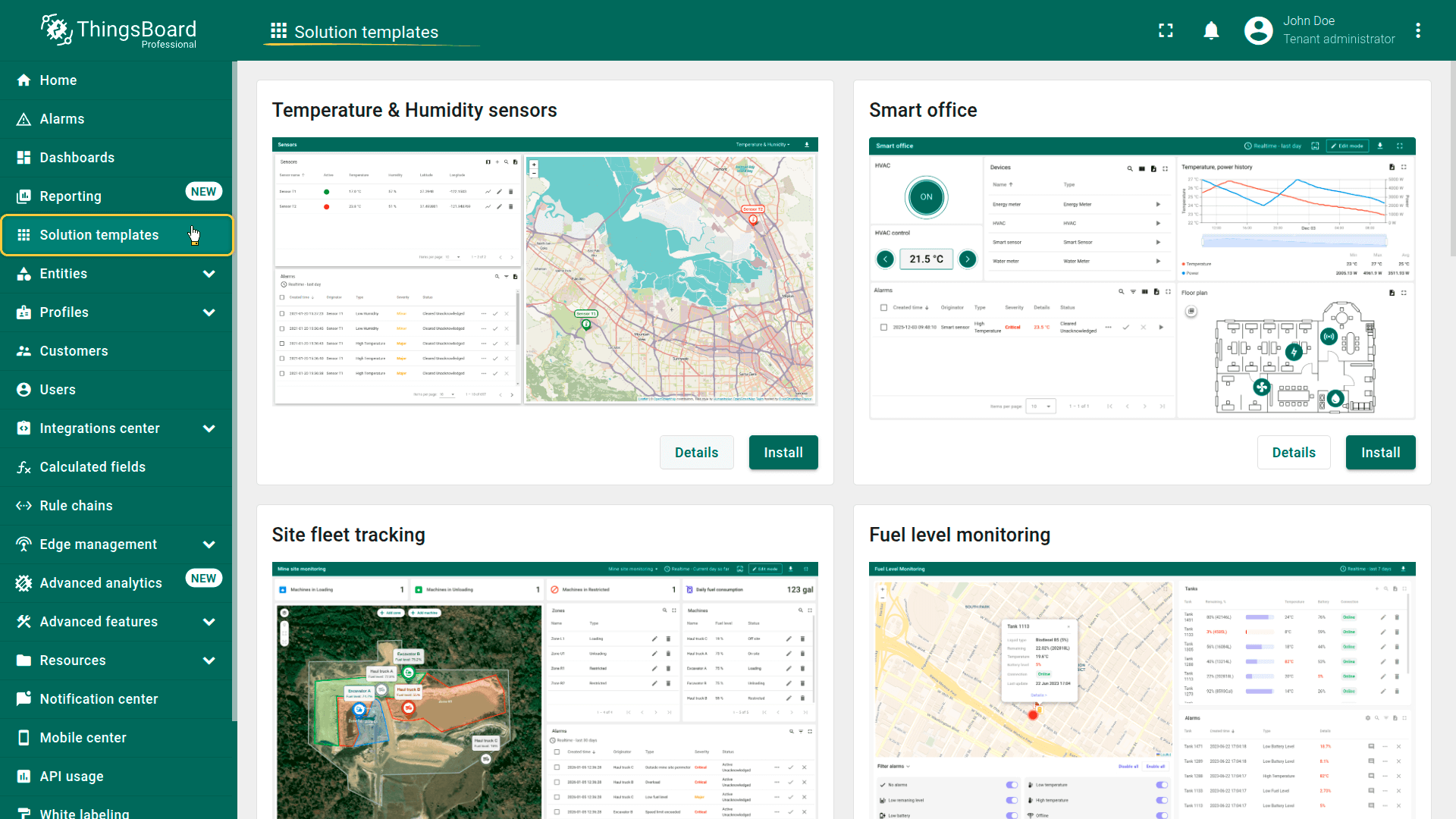
Managing solution templates
Only Tenant Administrators can manage solution templates.
For each solution template, the following actions are available:
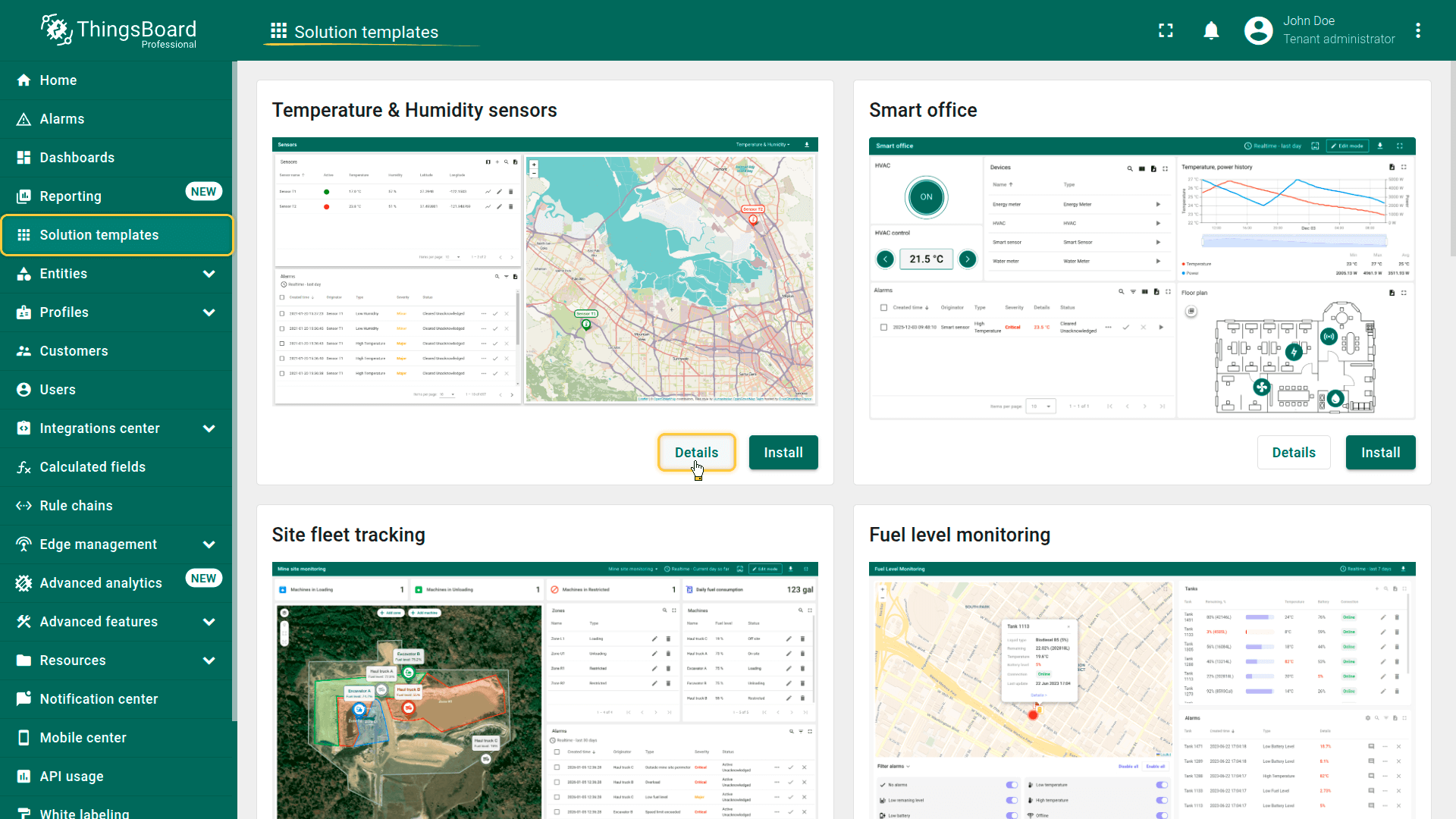
View details
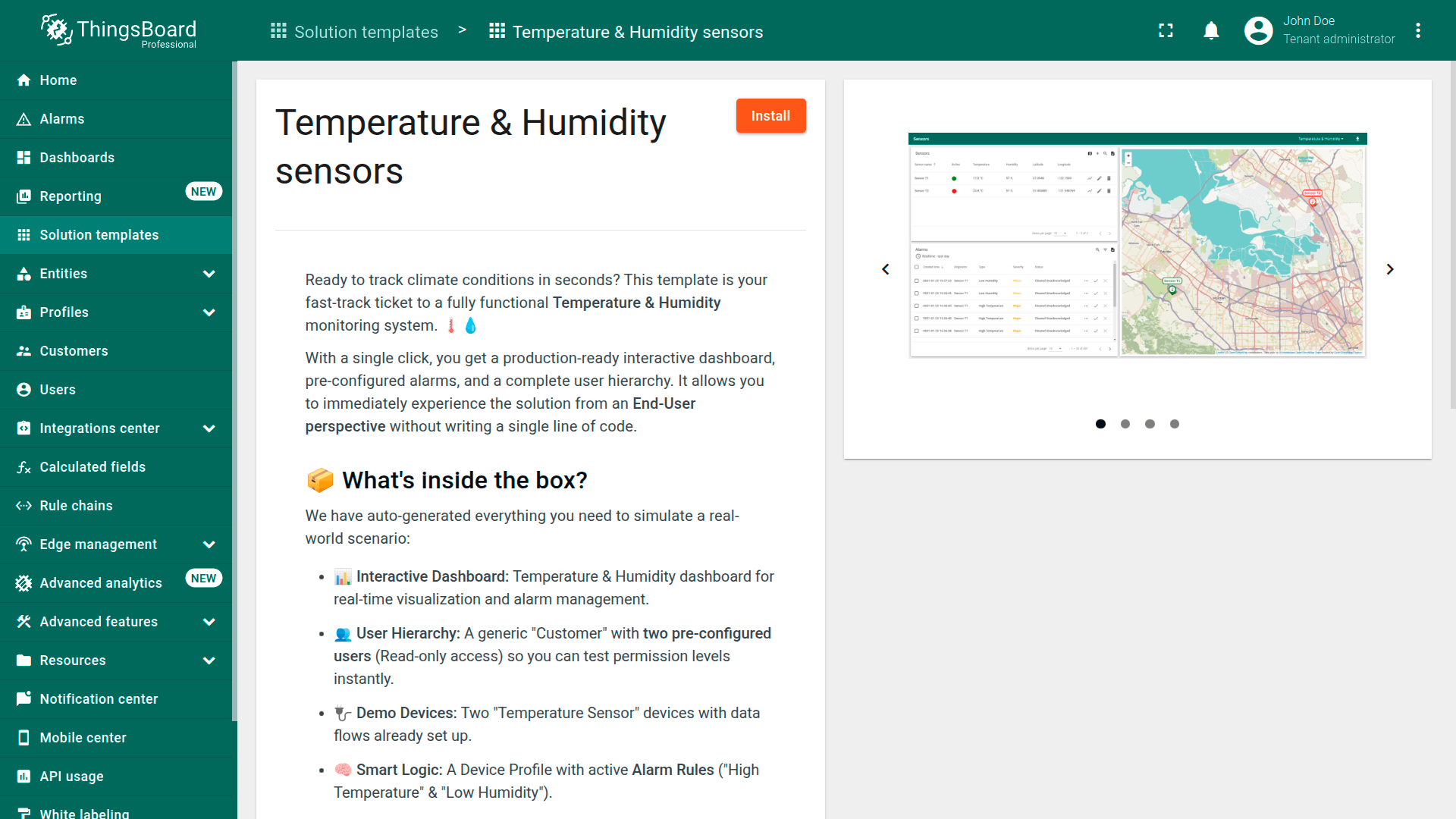
Open the template description using the Details button.
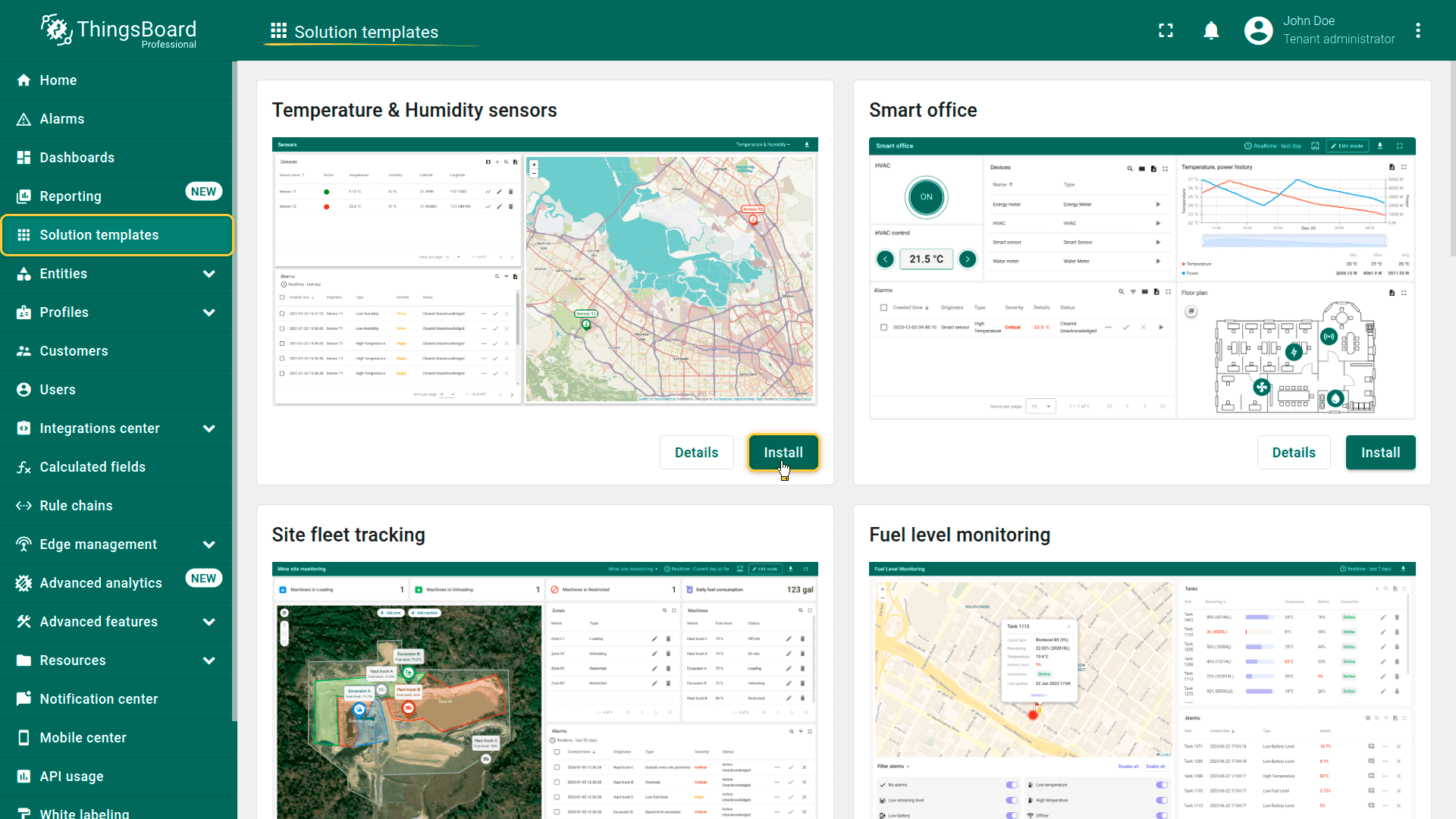
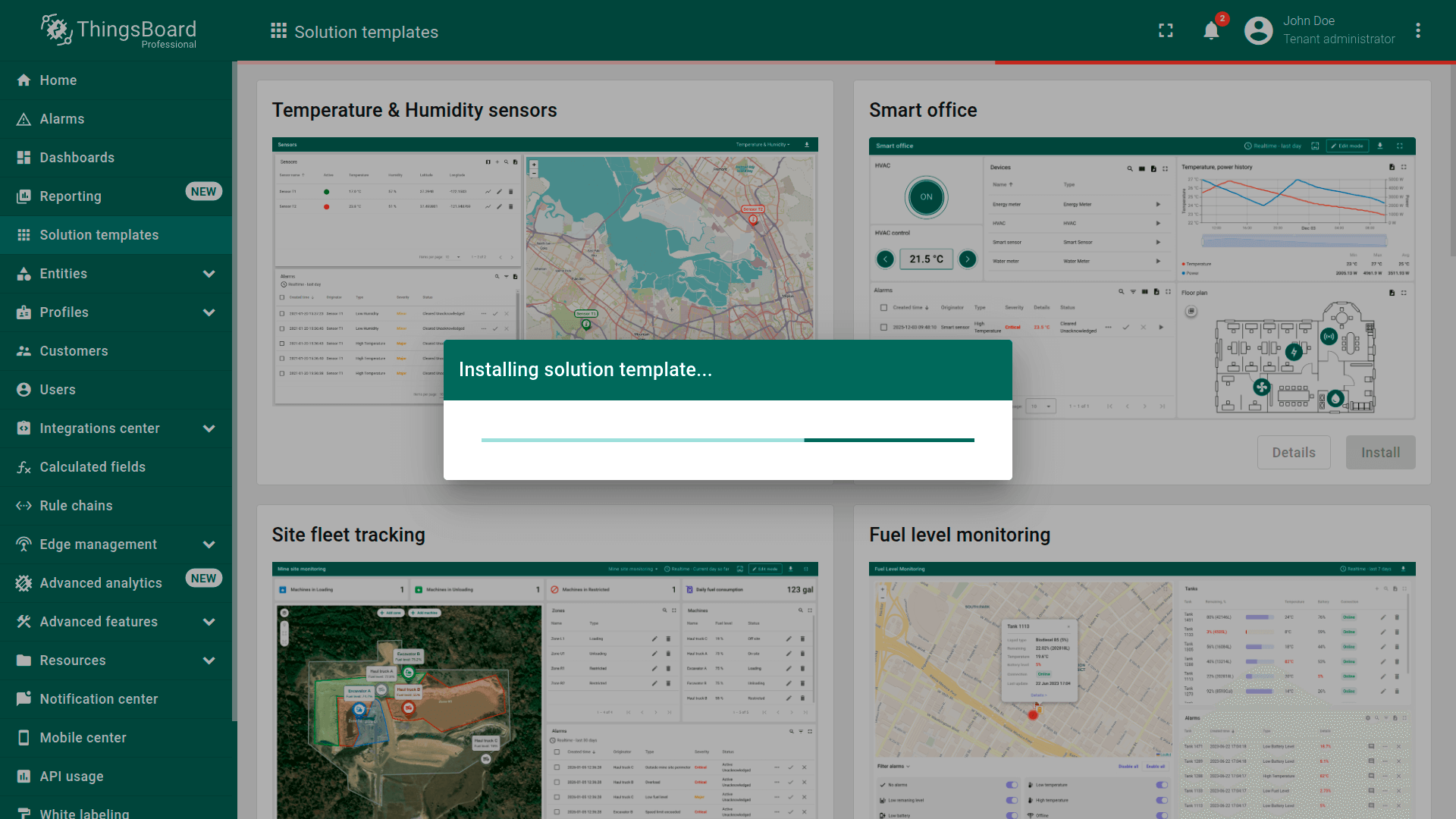
Install solution
Install the template using the Install button.
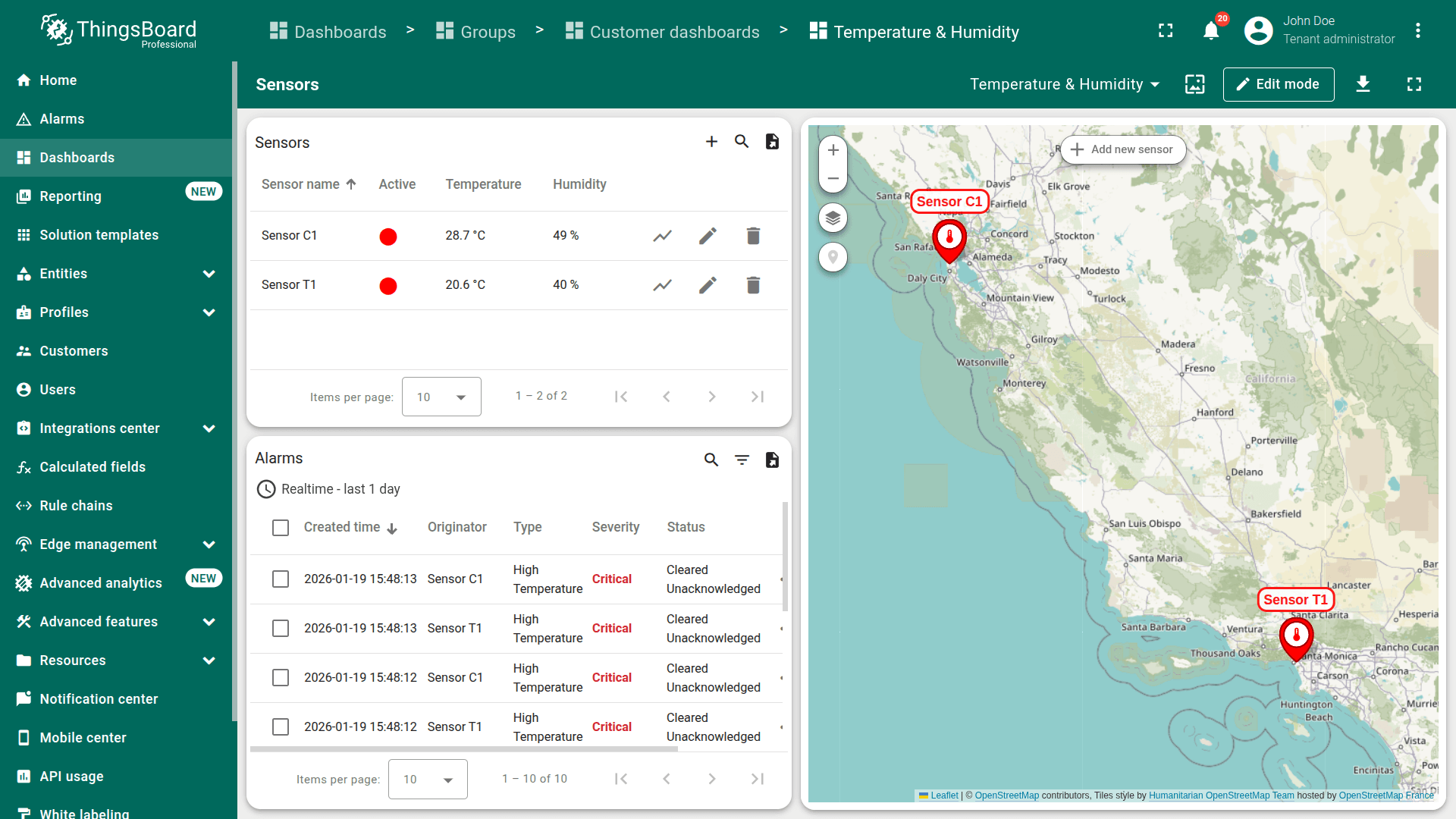
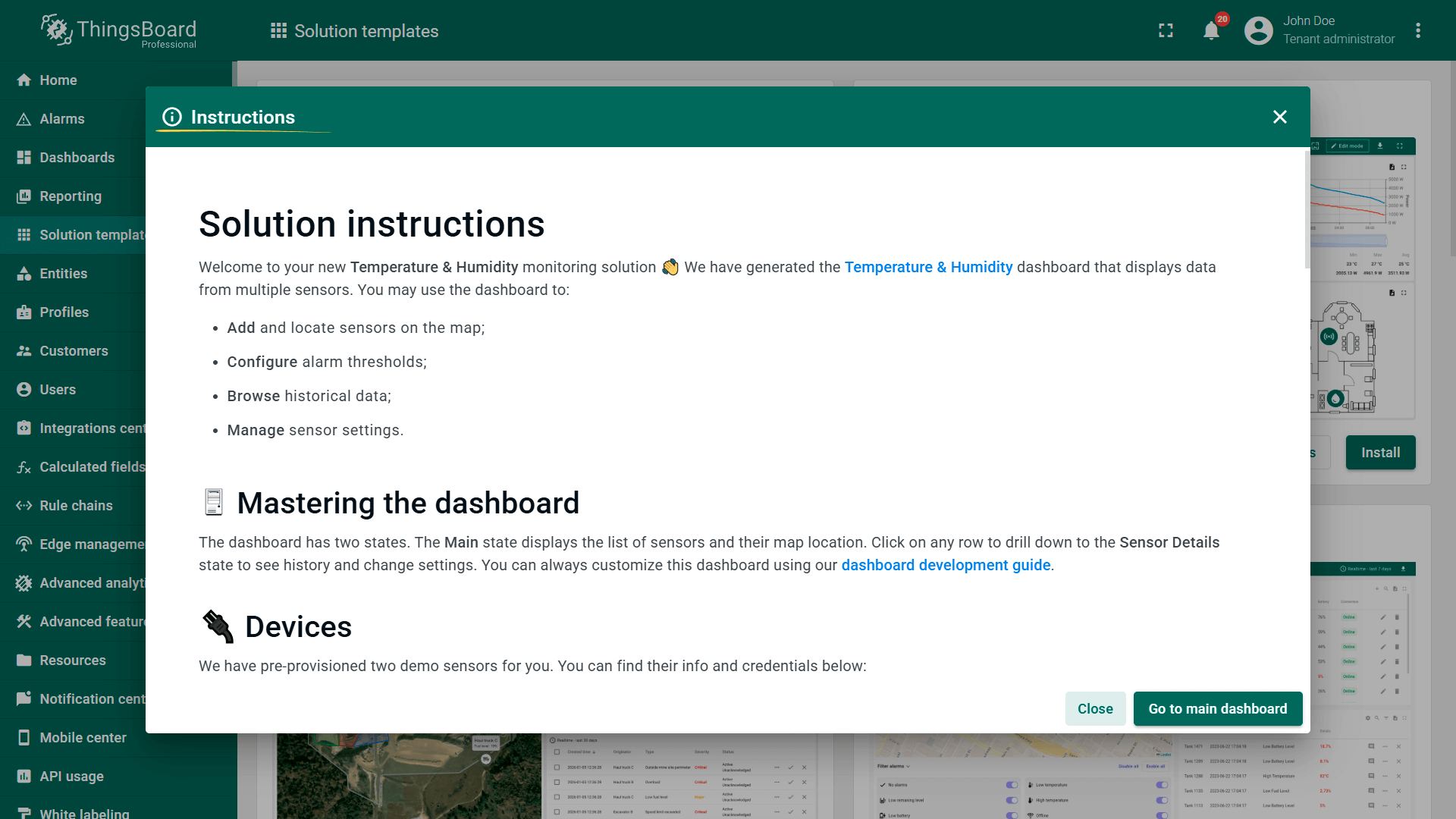
Once solution is installed, you will be automatically forwarded to the main dashboard of the corresponding template, and the instructions dialog will appear.
Browse the instructions and use Close button to start using the solution.
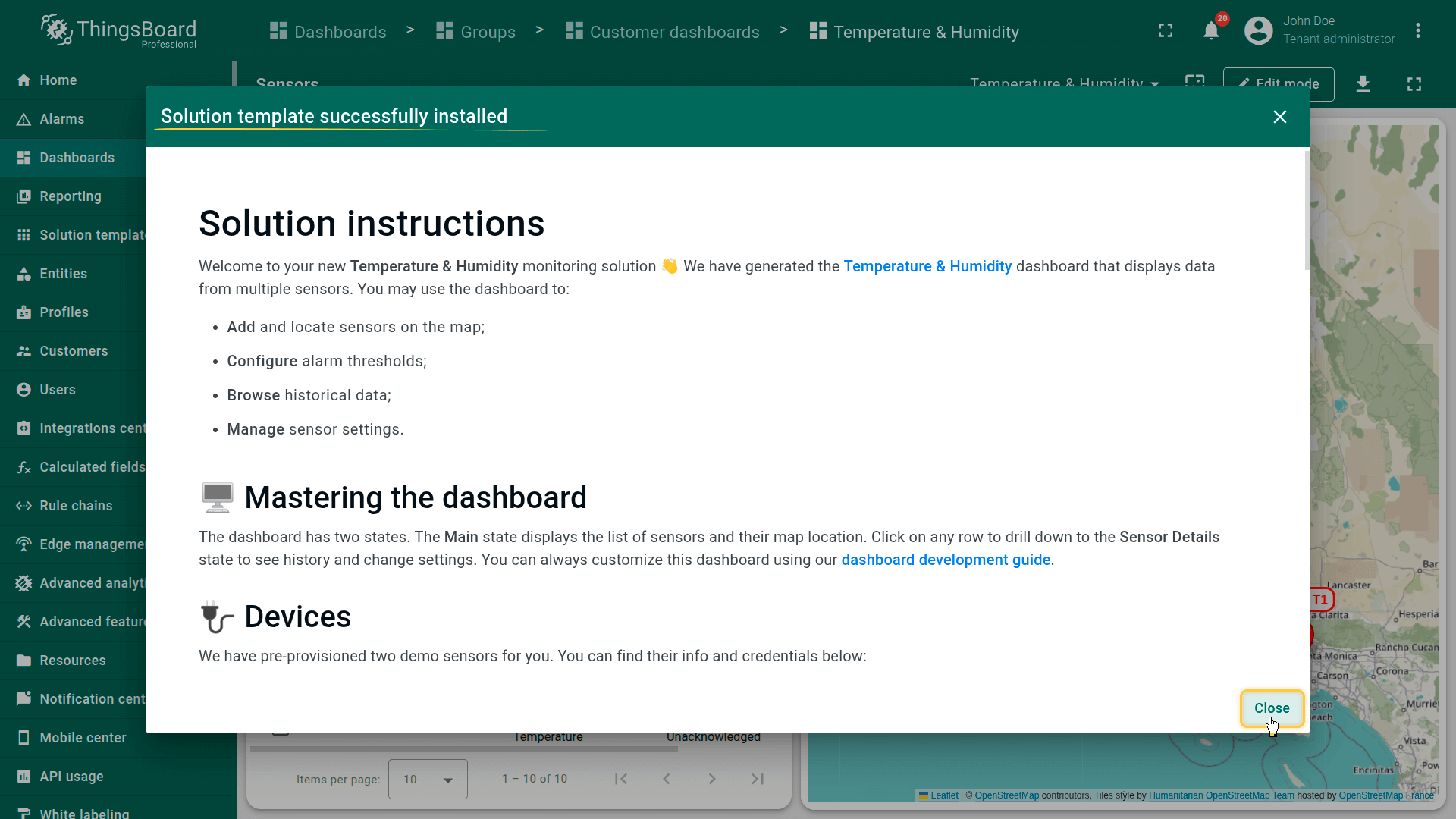
Browse the instructions and use "Close" button to start using the solution.
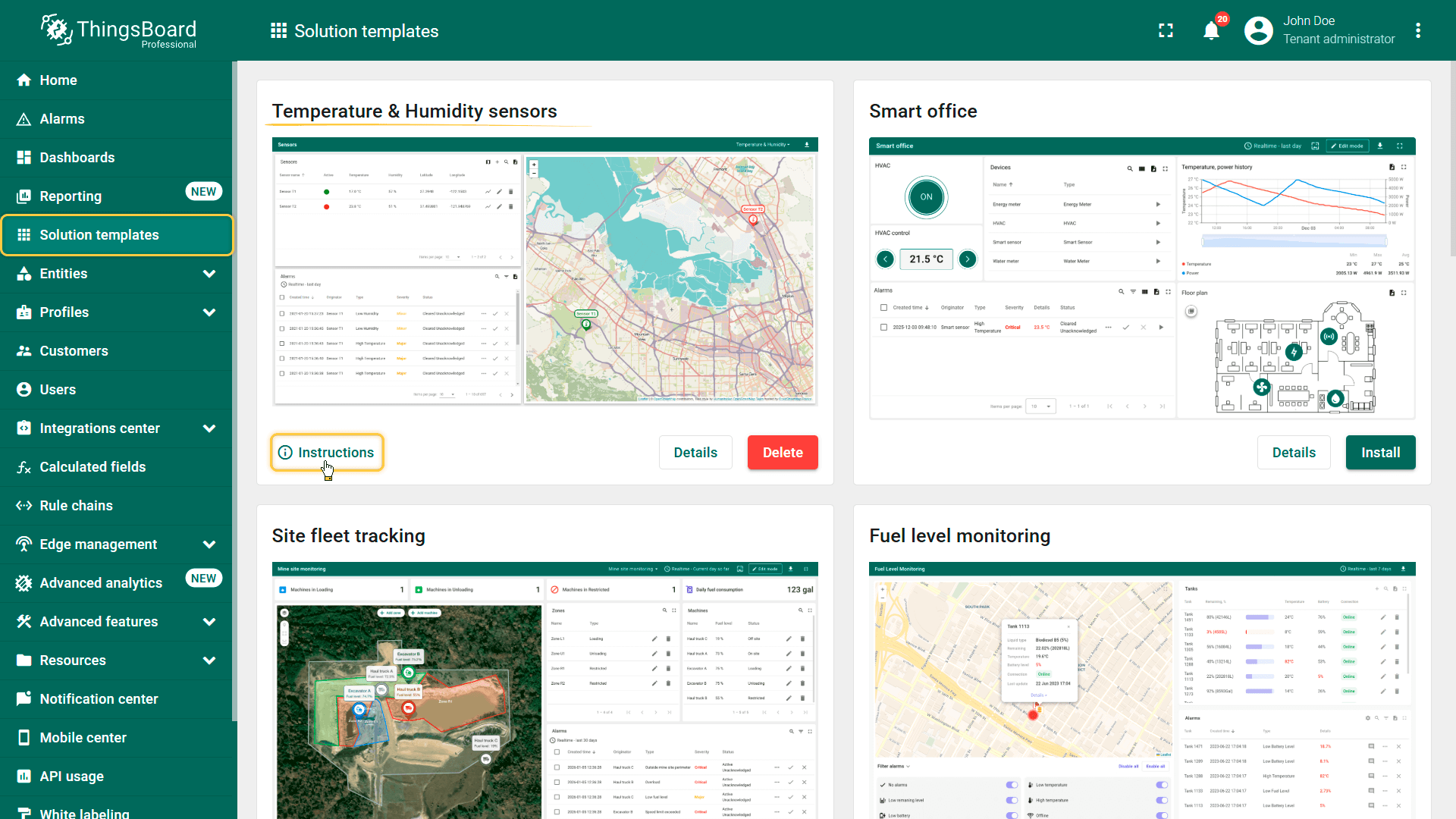
View instructions
Solution instructions are auto-generated once the template is installed. You may open them using Instructions button.
Delete solution
Remove the installed solution and all entities created during the installation using the Delete button.
Please note that entities that you might have created through the solution dashboard (users, devices, etc) will not be deleted automatically.
Connecting Real Devices
Each solution template includes detailed instructions describing:
- Expected telemetry and attribute payload formats
- Required keys and data structure
- Example commands for sending data to the platform
The provided examples use auto-generated devices and credentials created during template installation.
We recommend using these examples first to understand how the solution works.
Afterwards, refer to the How to connect your device guide to connect real devices using production credentials.